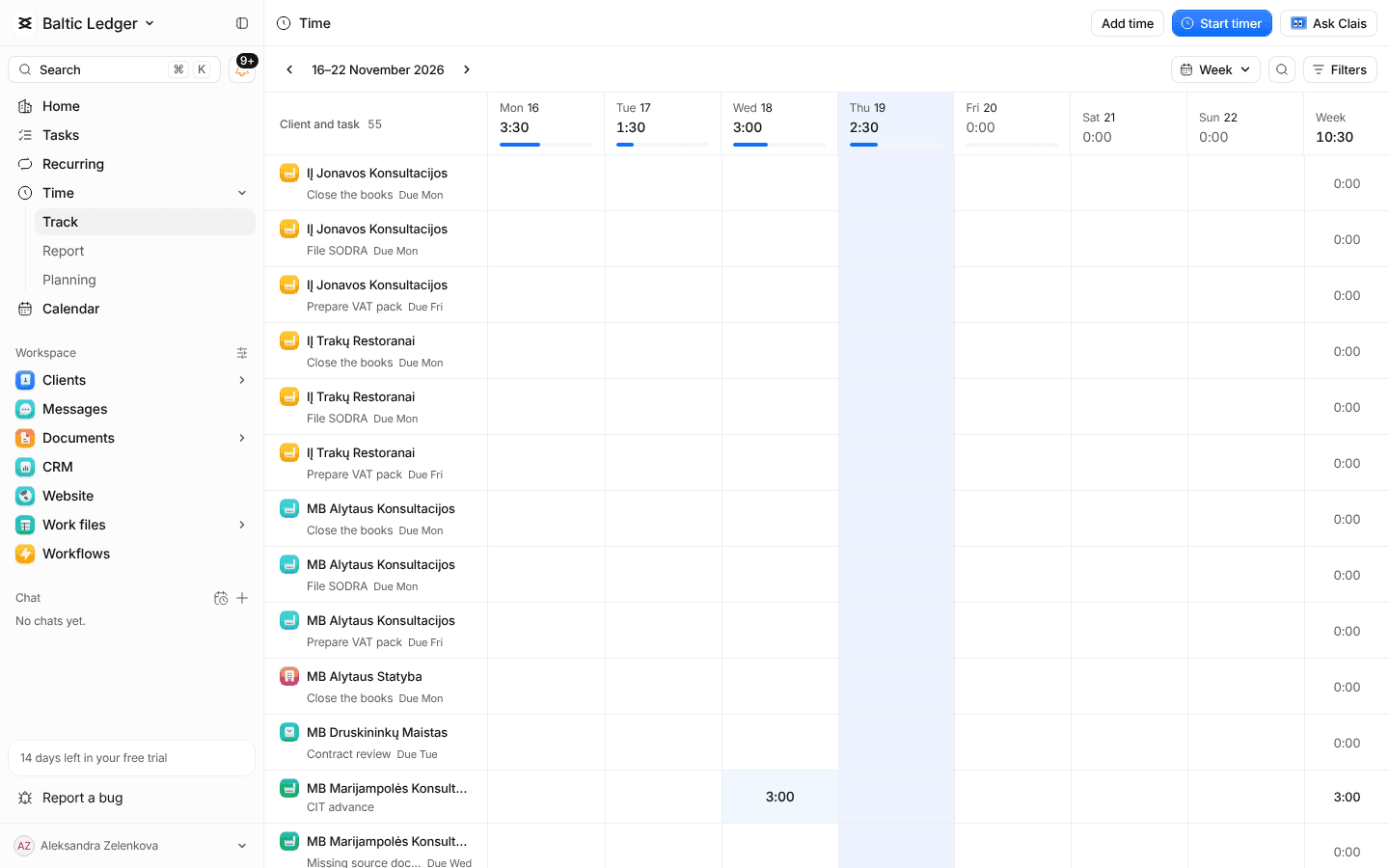
Time and billing
See which clients pay for themselves
Log time, plan the team's week and invoice clients.
01
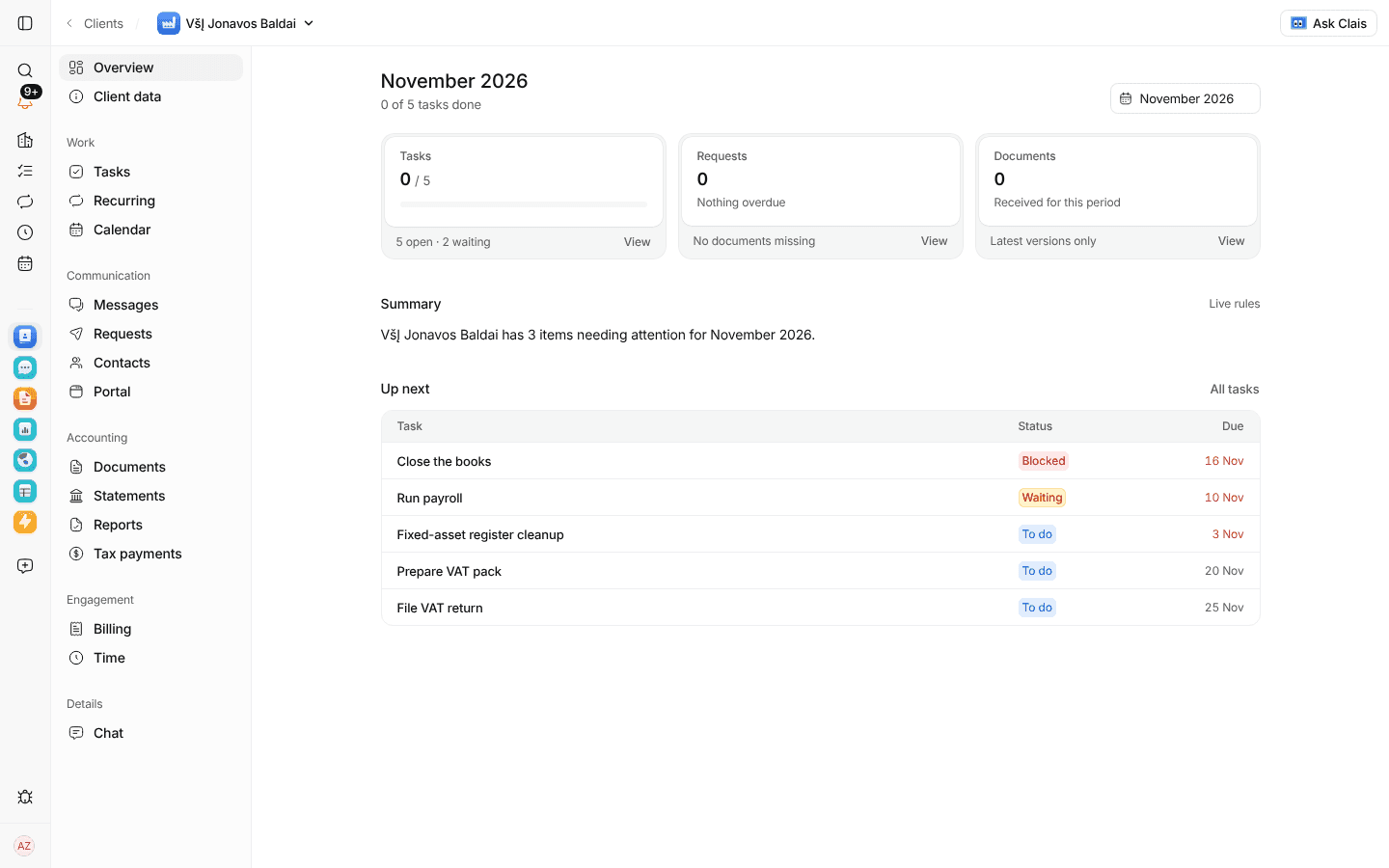
Time with a client's name on it
Each client shows this month's time beside what they pay.
02
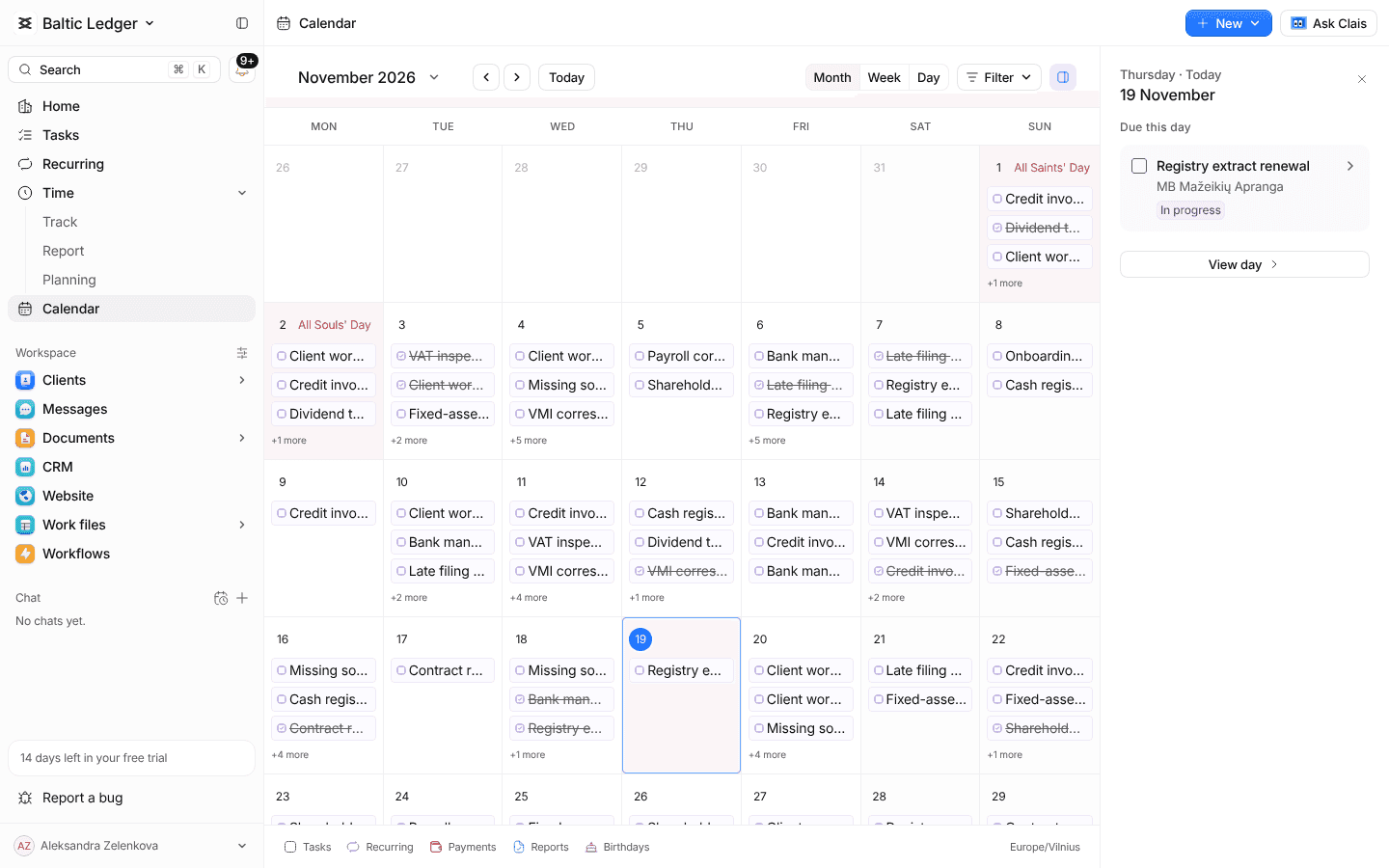
Plan the week before it happens
See who is overloaded before it happens.
From hours to paid invoices
Timers everywhere
Start and stop from a task, a client or the header; nothing is lost when you switch.
Capacity planning
Plan hours per person and per week, and see the gap before the month gets tight.
Client invoices
Issue invoices from your own templates as PDFs, one by one or every month by plan.
Payments followed
See what each client has paid and what is overdue, and remind them in a click you confirm.
Margins per client
Time against fees shows which clients cost more than they pay.
Reports to export
Time by client, person or task, ready to download.
More of Claister
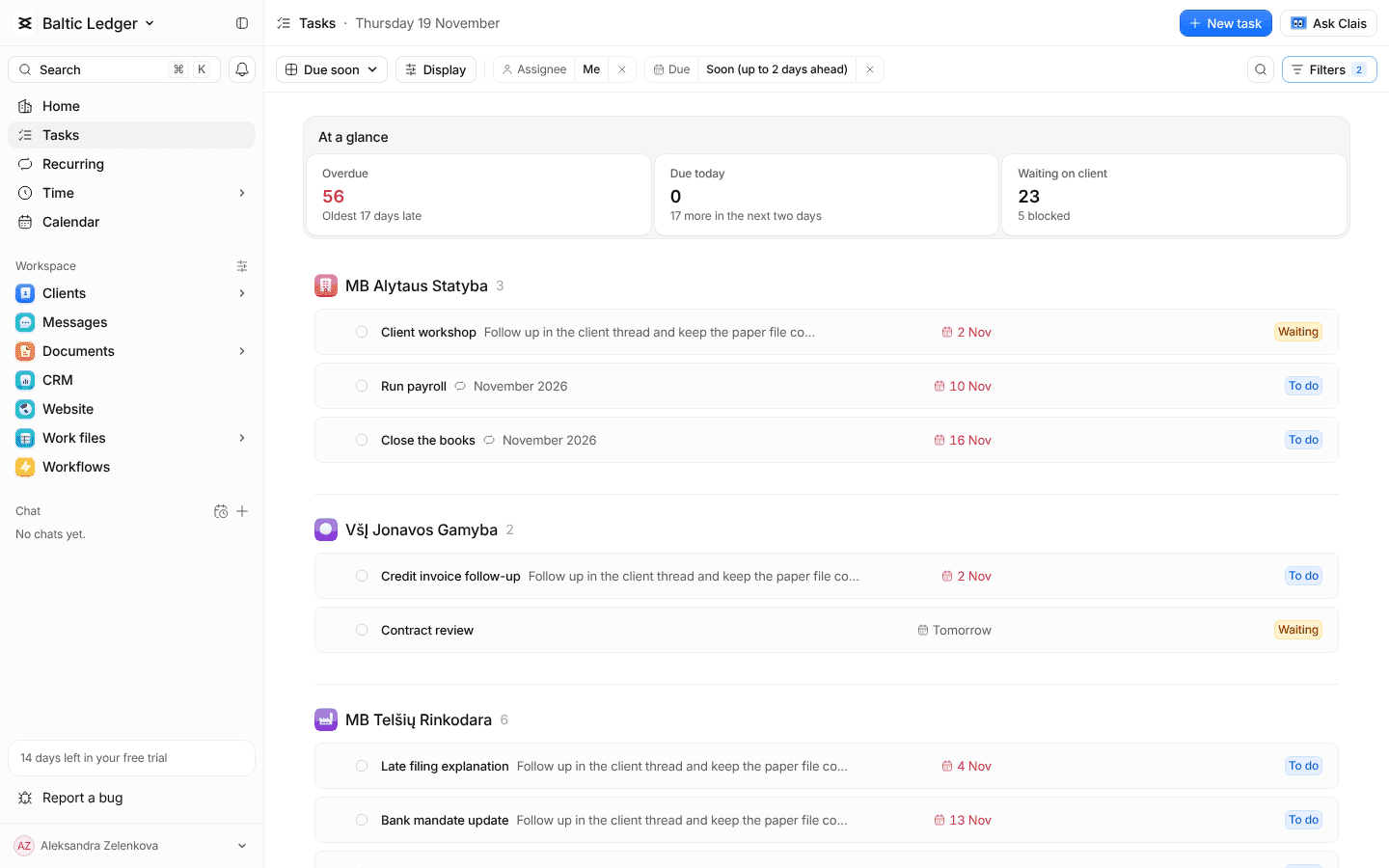
ClientsEvery client, contact and detail in one record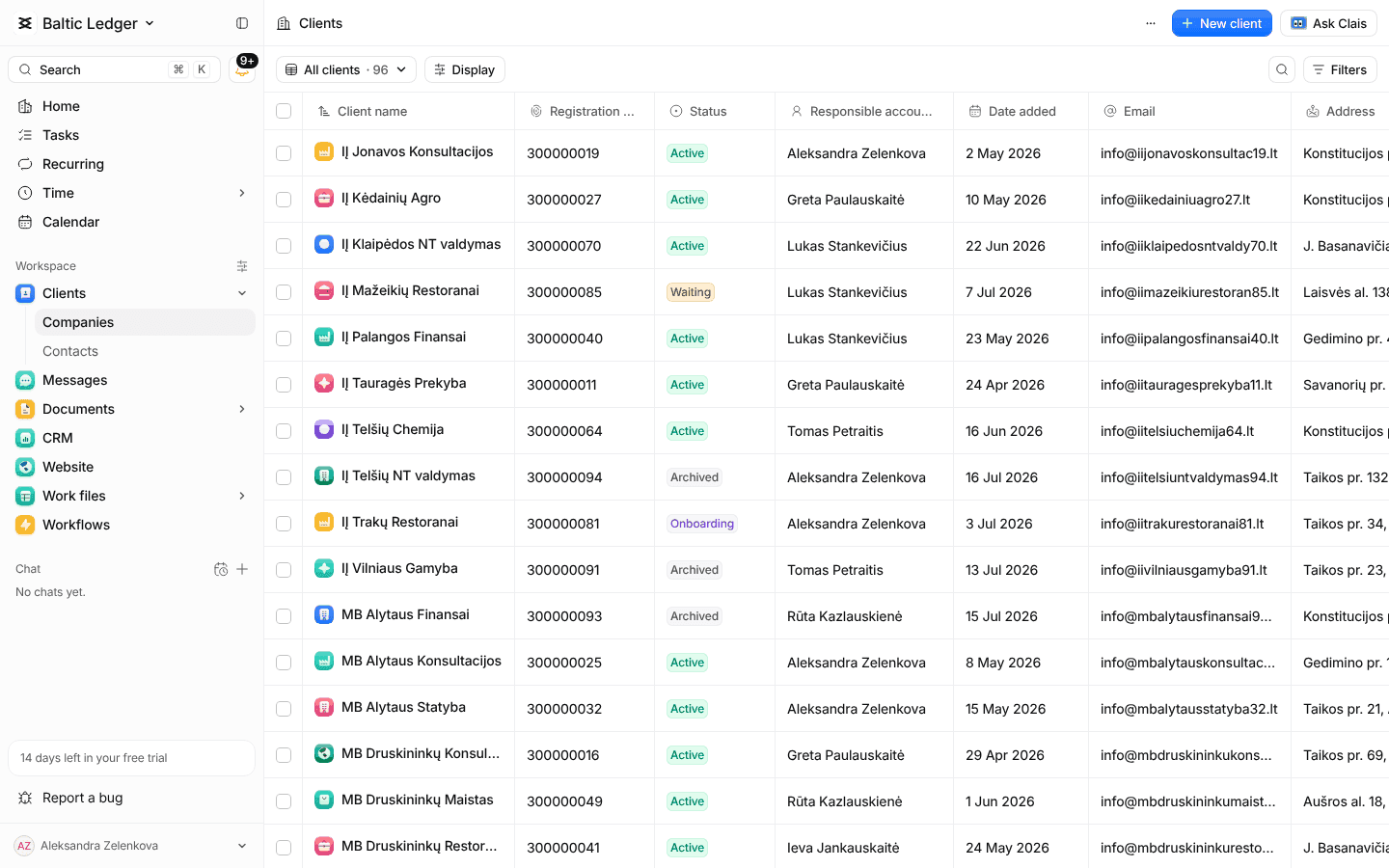 Learn moreWork and deadlinesTasks, recurring services and every due date
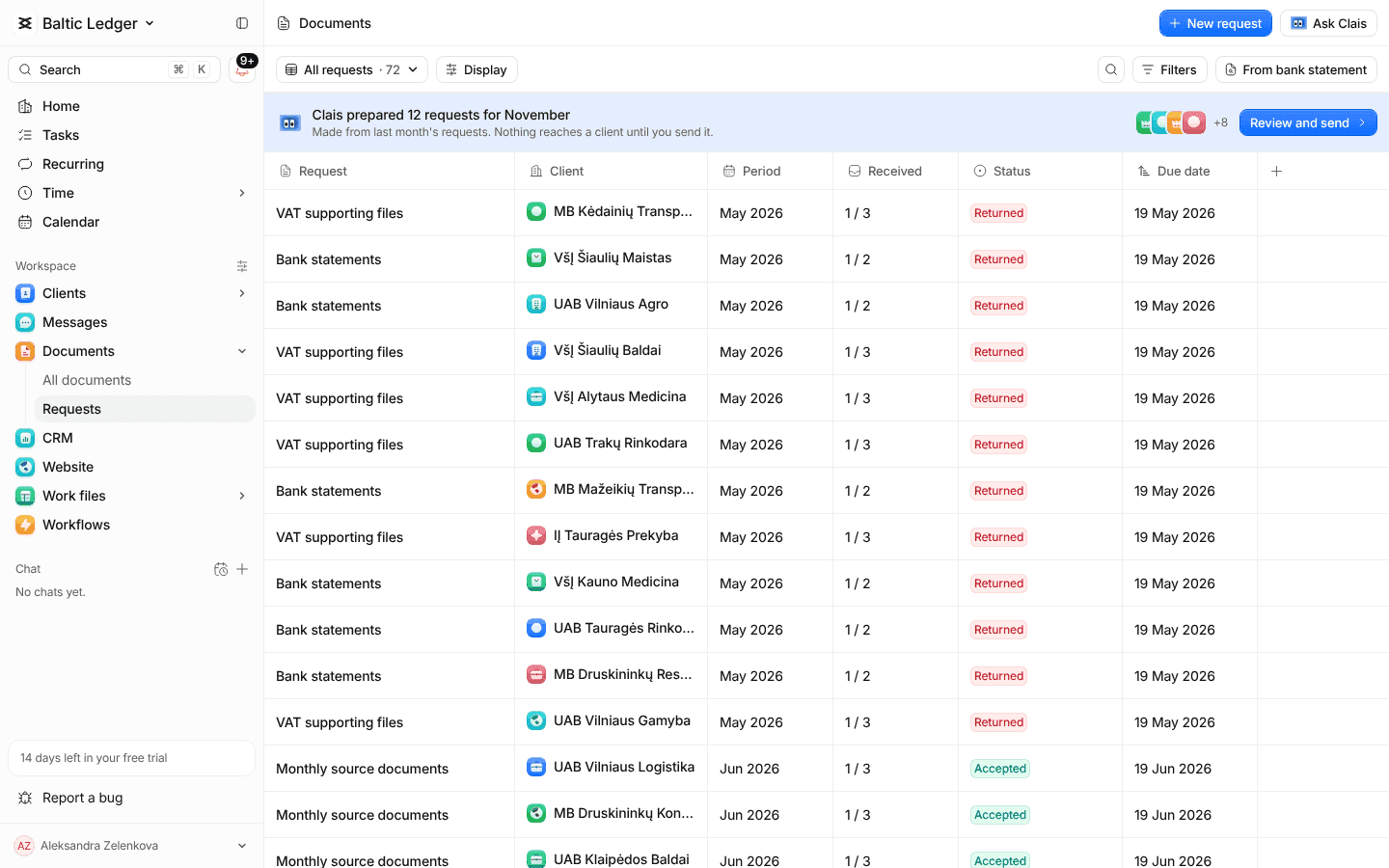
 Learn moreDocuments and portalRequest documents and let clients upload them
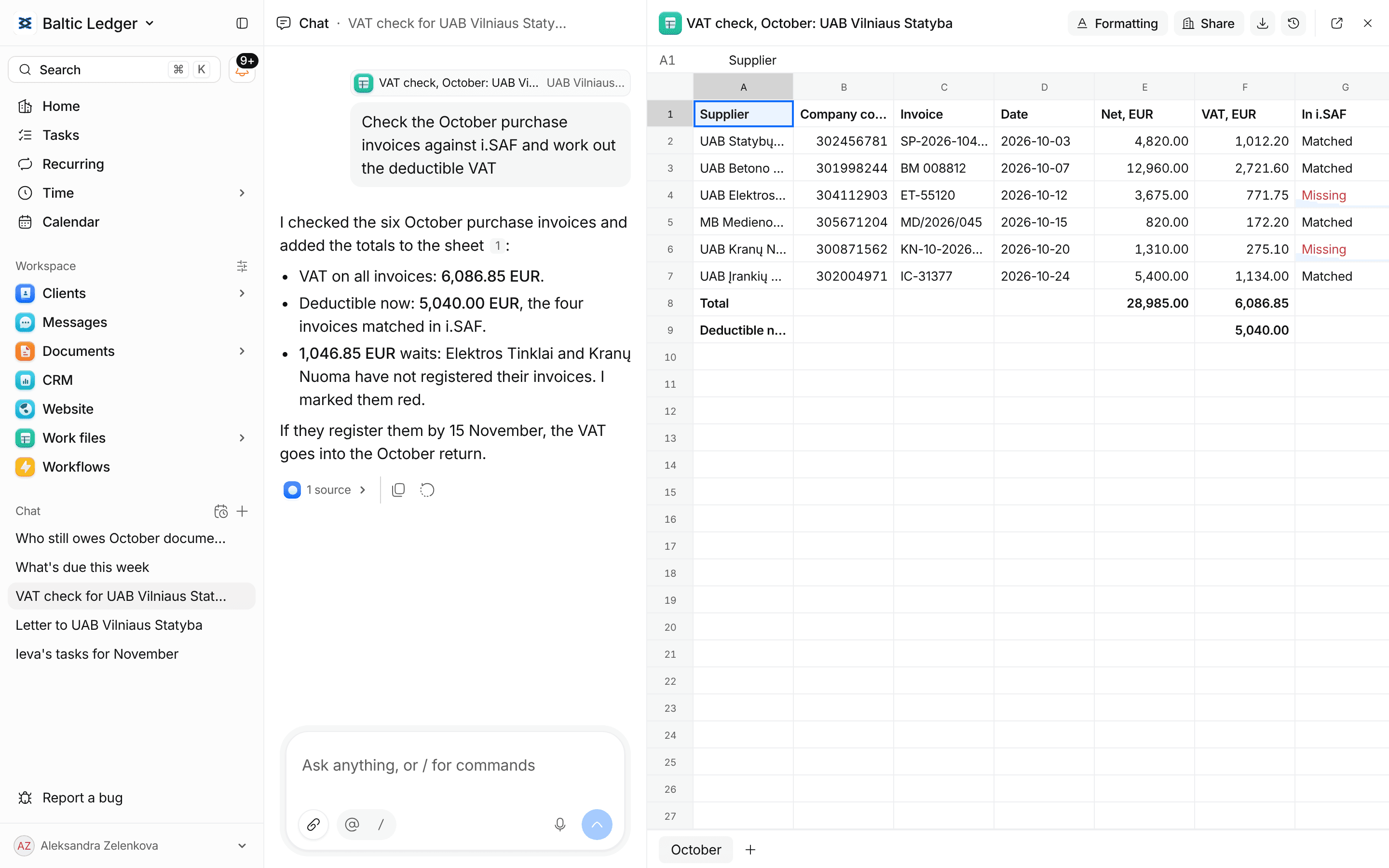
 Learn moreMessagesEmail, Telegram, the portal and team chat in one inboxLearn moreClais, the assistantAI that knows your clients. It drafts, you confirm
 Learn more
Work and deadlinesTasks, recurring services and every due dateLearn moreDocuments and portalRequest documents and let clients upload themLearn moreMessagesEmail, Telegram, the portal and team chat in one inboxLearn moreClais, the assistantAI that knows your clients. It drafts, you confirmLearn moreKnow which clients pay for their time
- 14 days free
- No card needed
- Import from Excel