
An assistant that knows your clients, and waits for your yes
Ask about your clients. Clais answers with sources and prepares the work for you to confirm.
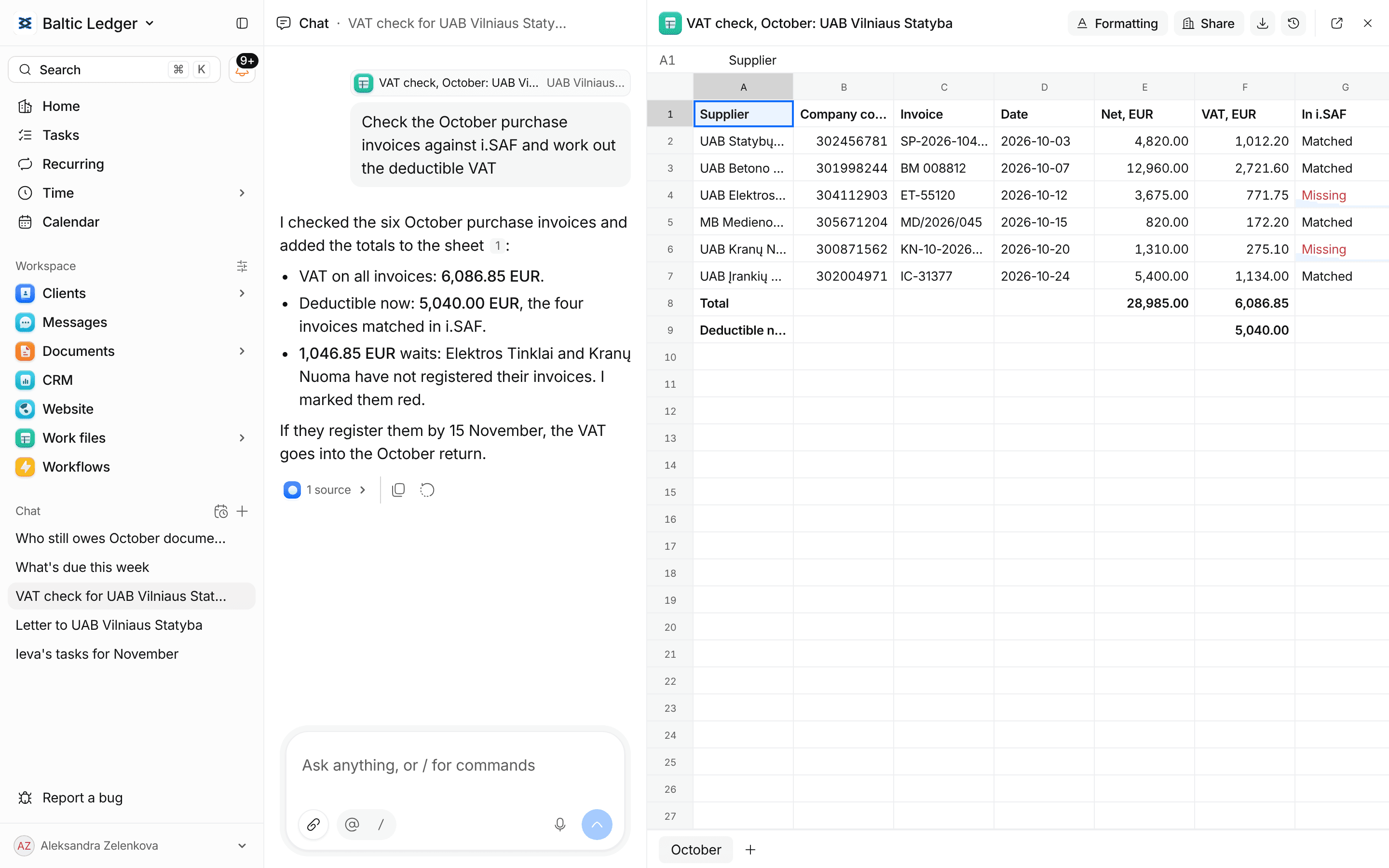
Answers with sources
Ask about deadlines, clients or documents. Every answer links to the records it read.
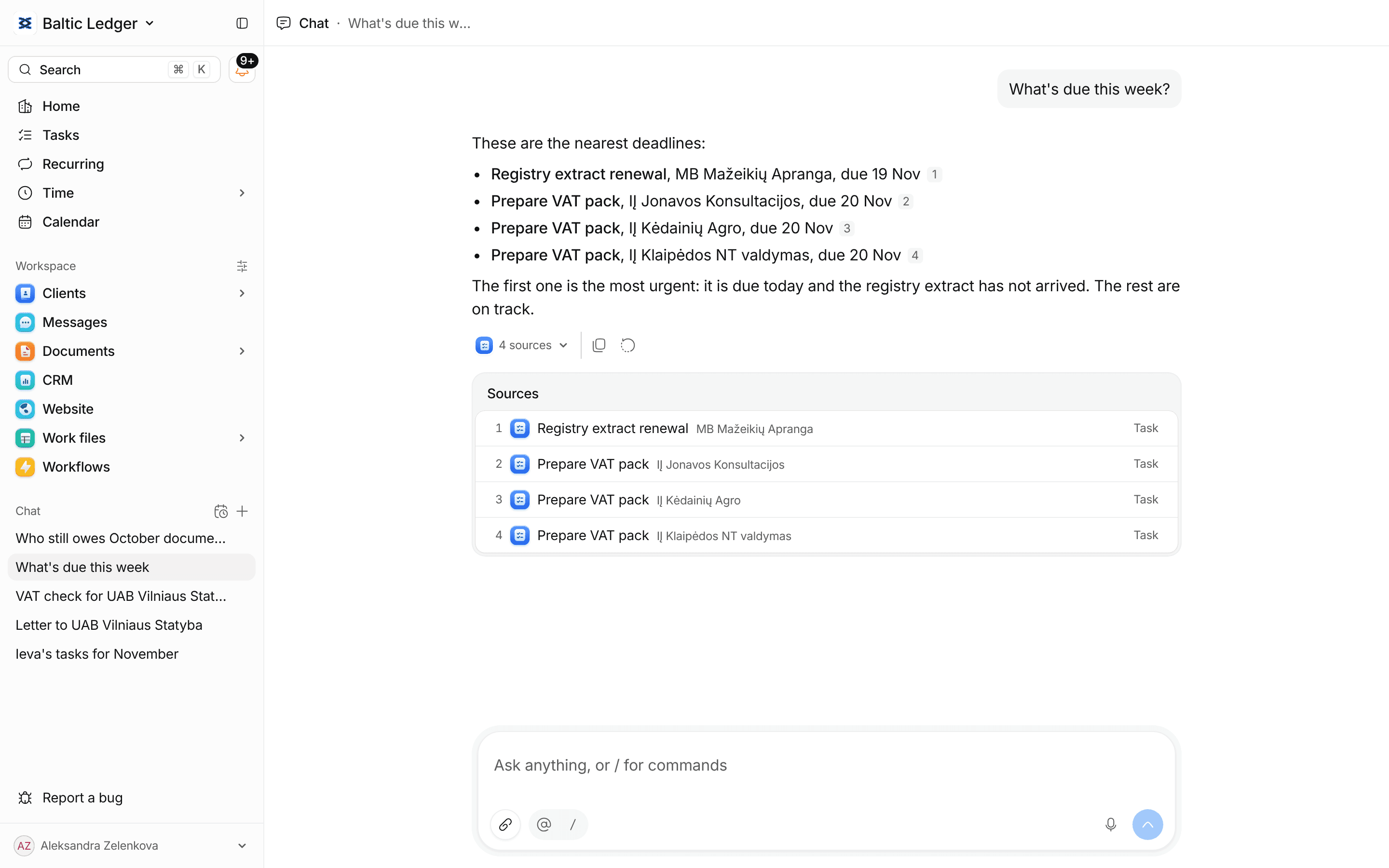
Reminders, ready to send
Clais finds who still owes documents and drafts each reminder. You check the words and send.
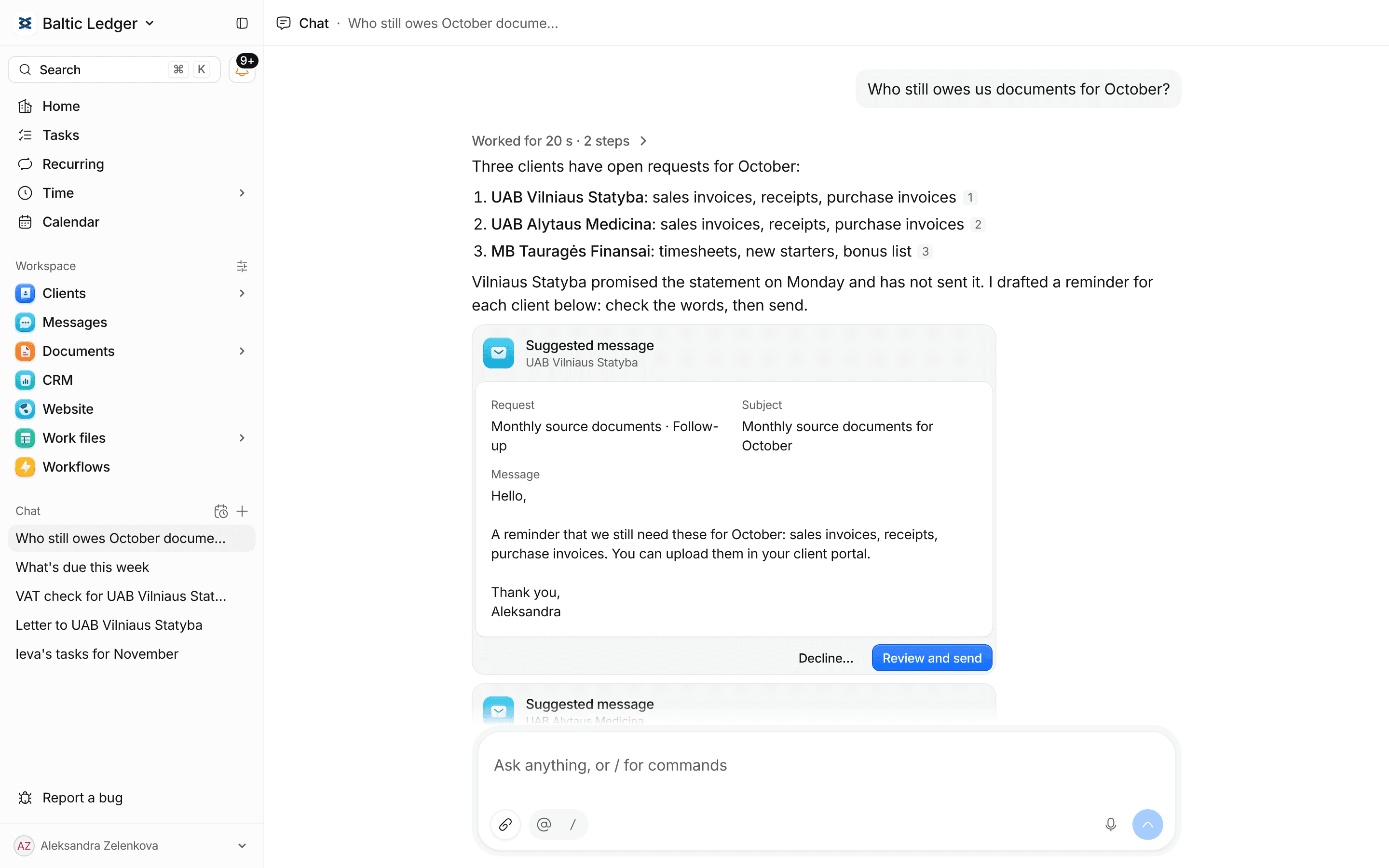
Letters written for you
It writes the letter from the request and your workbook, and opens it beside the chat to edit.
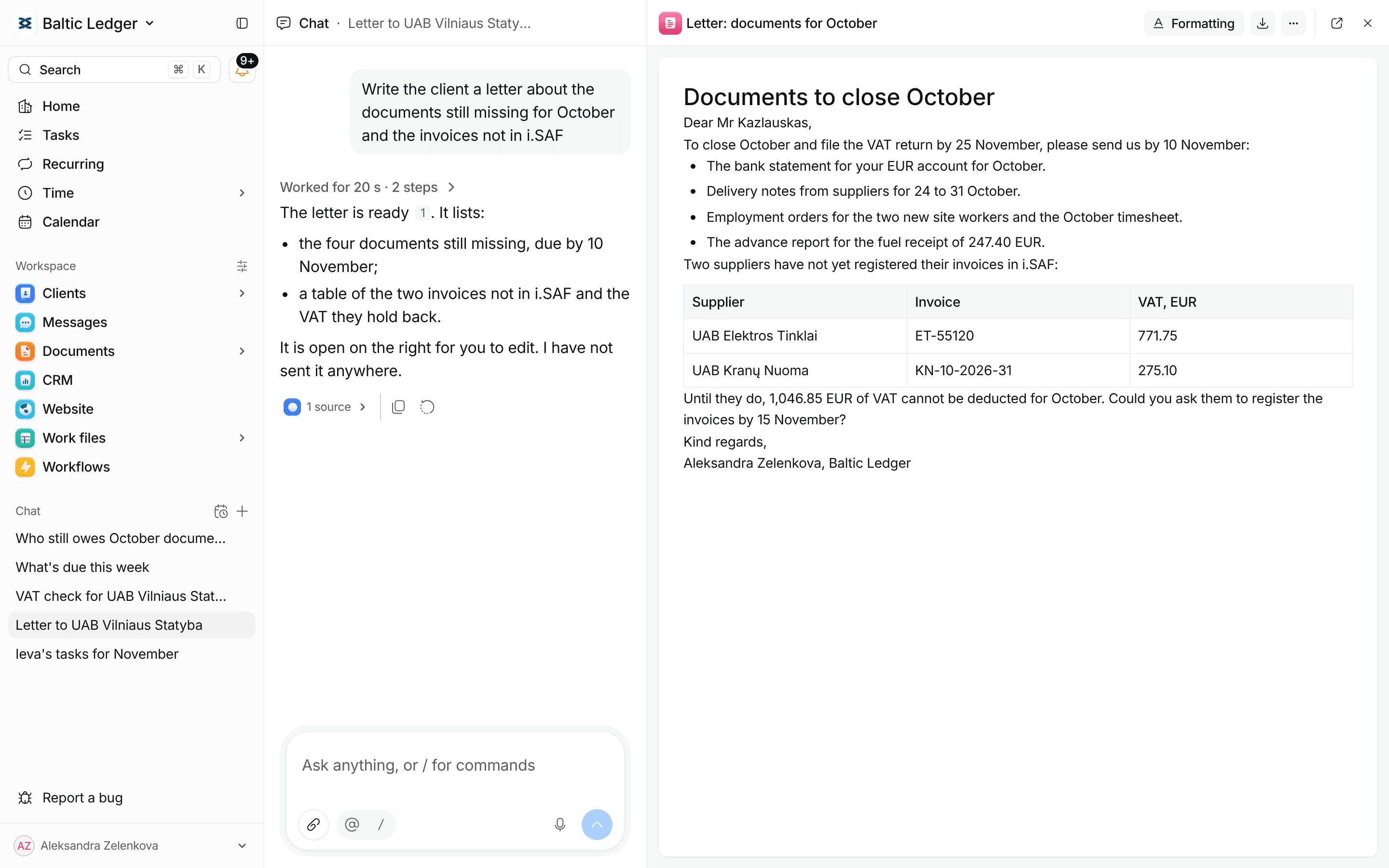
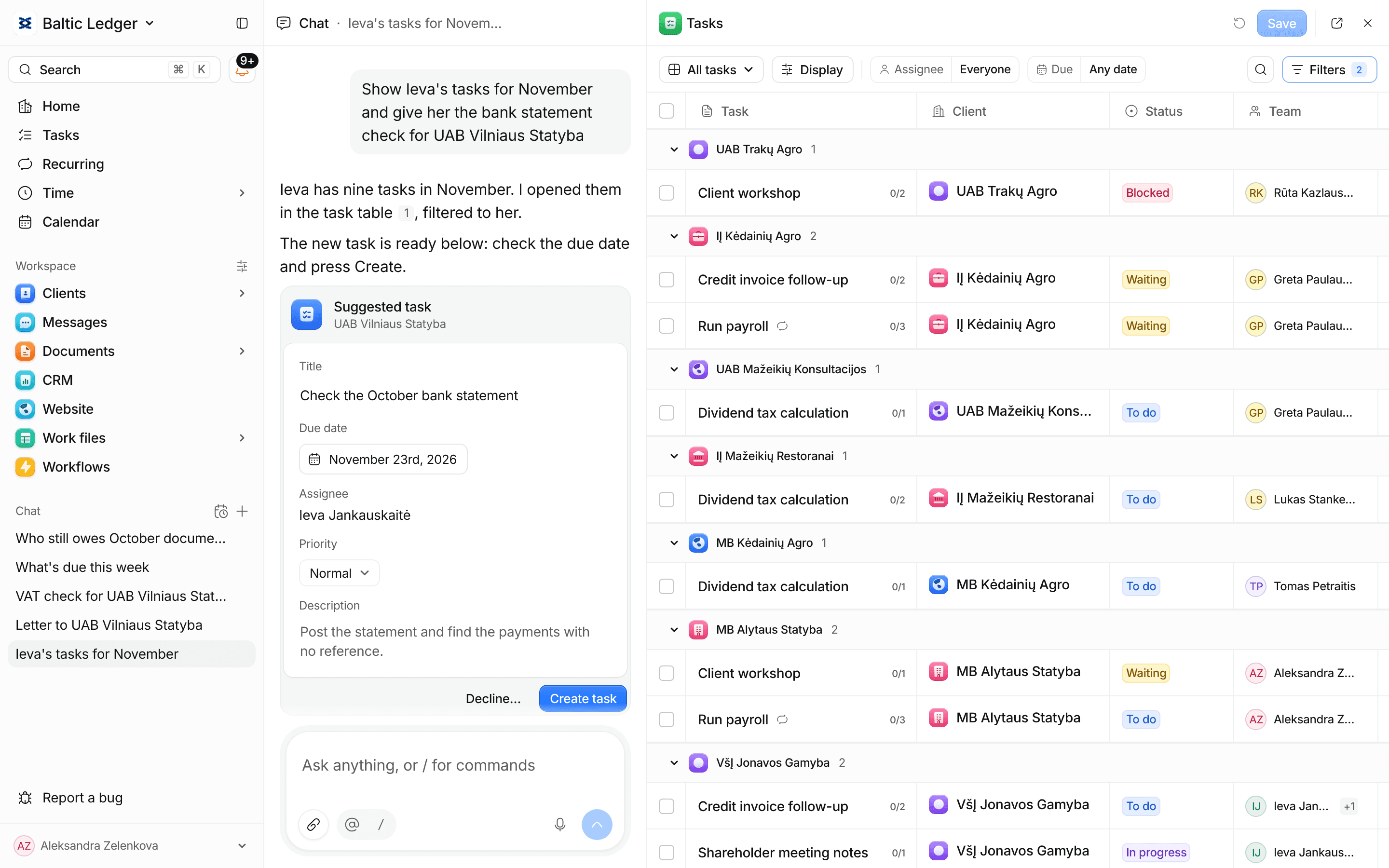
Tasks as cards you apply
Ask for a task in words. Clais fills in the card, and you press Create.
Automations you can read
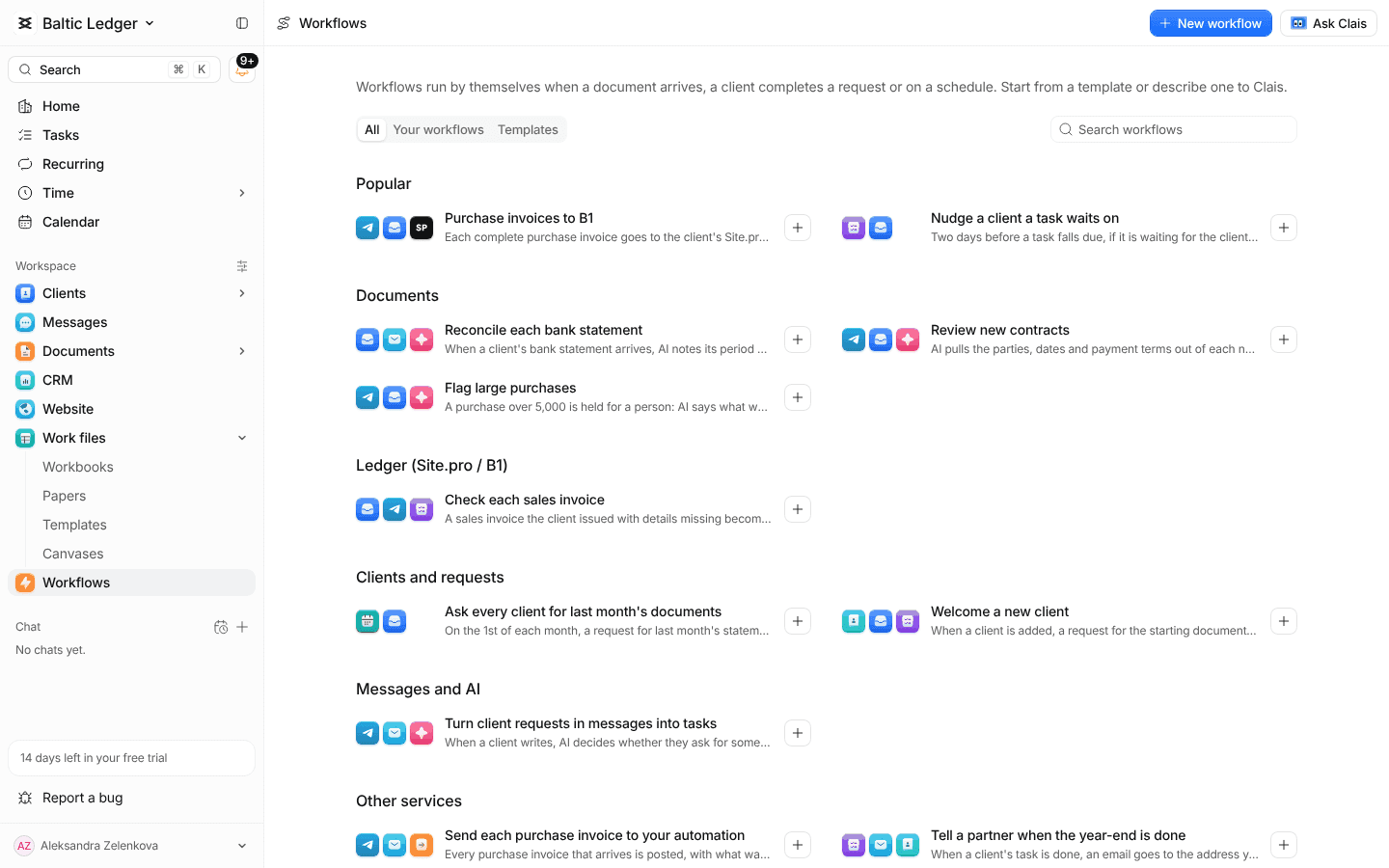
Say what should happen and Clais writes the workflow. You turn it on.
Wherever you work
In Telegram
Ask Clais in your own Telegram chat with the Claister bot.
In Chrome
The extension reads the page you are on and stops before anything is sent.
On any task
Mention Clais in a comment, and the answer comes back on the task.
Reads scans and invoices
It reads a scan, suggests a name and the client it belongs to.
In your workbooks
It writes into your own sheets, and you undo any step.
Your firm decides
Turn AI off, keep some data out of it and set a monthly limit.
More of Claister
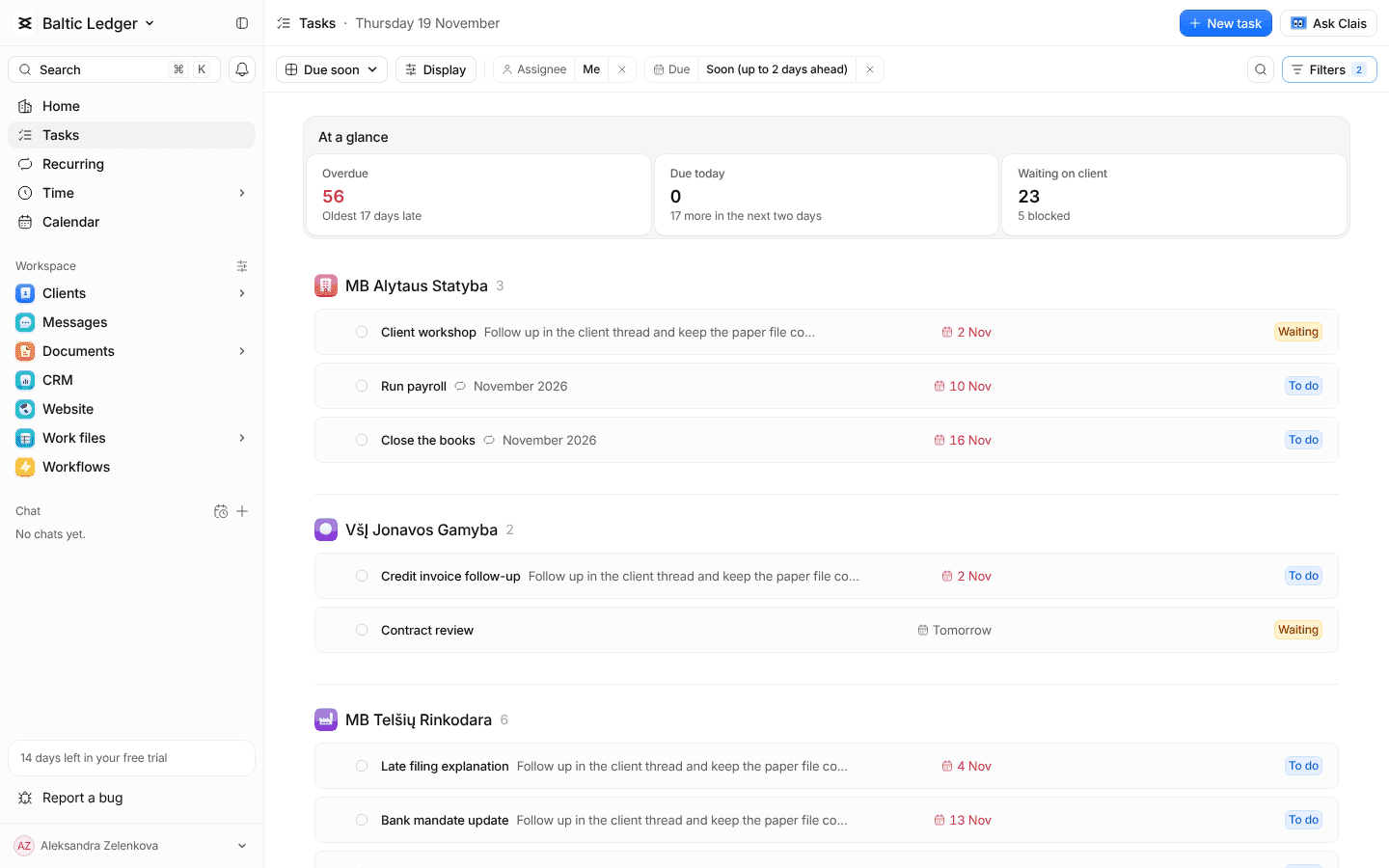
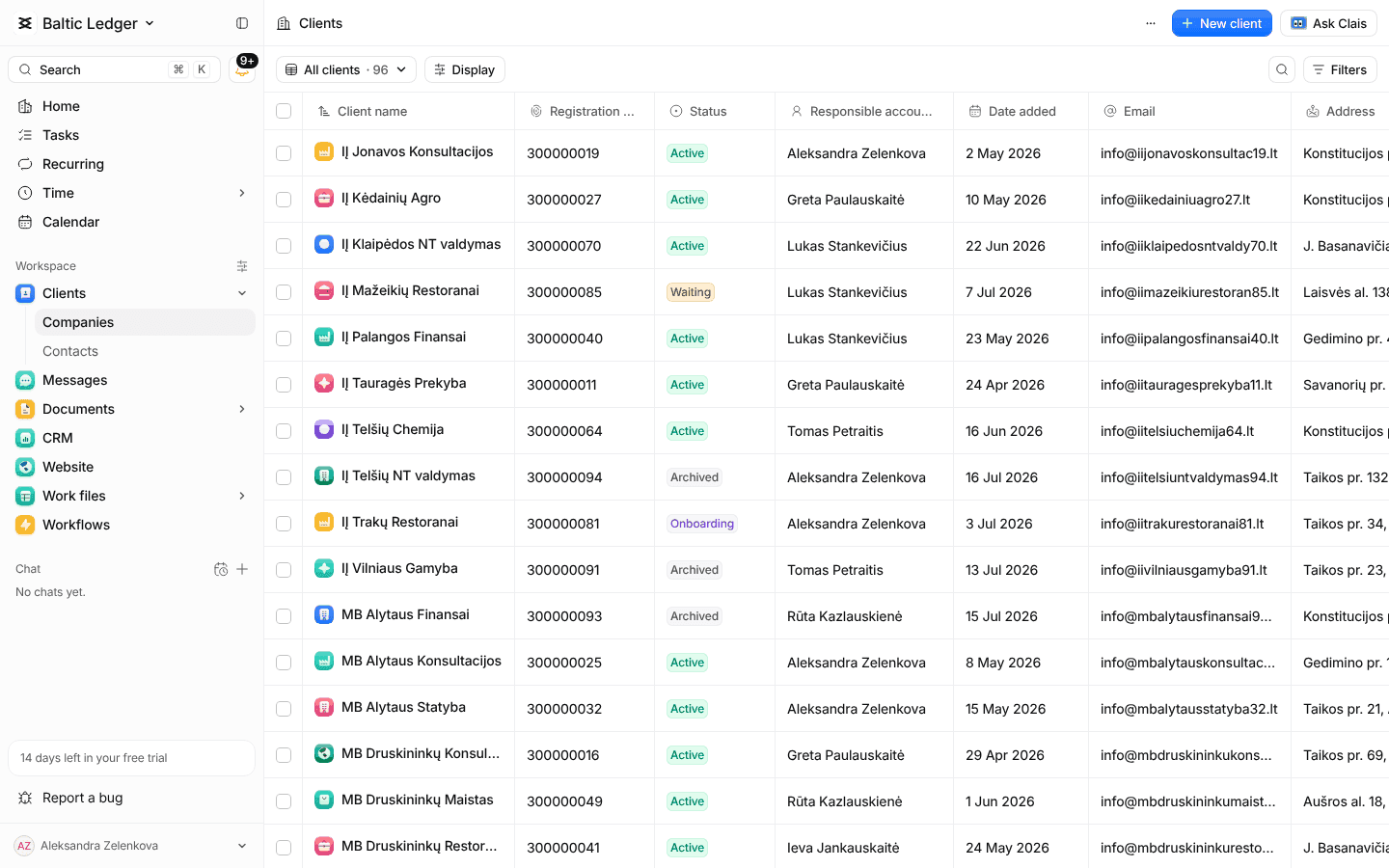 Learn moreWork and deadlinesTasks, recurring services and every due date
 Learn moreDocuments and portalRequest documents and let clients upload them
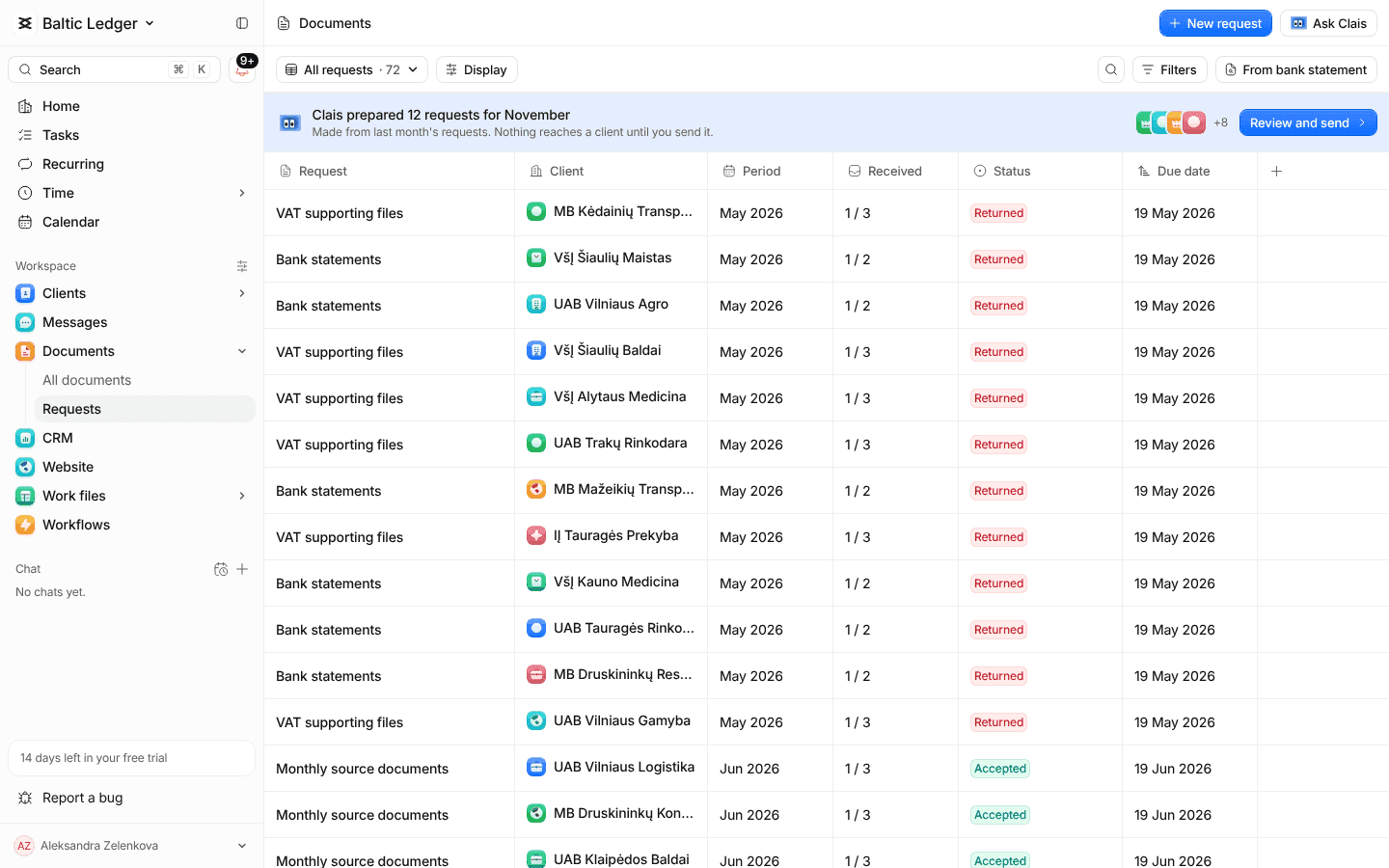 Learn moreMessagesEmail, Telegram, the portal and team chat in one inboxLearn moreTime and billingTrack time, plan capacity and invoice clients
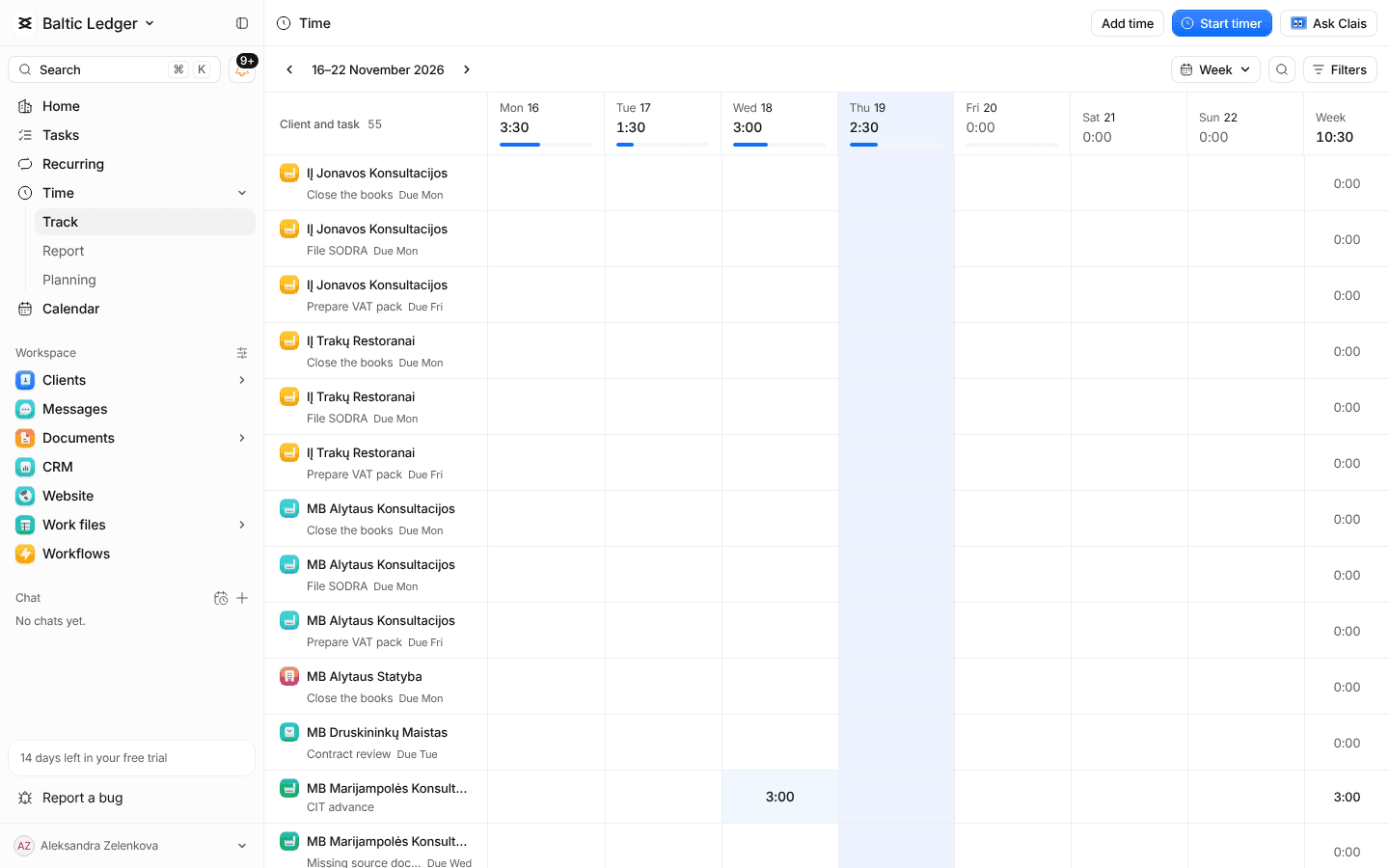 Learn more
Ask Clais about your own clients
- 14 days free
- No card needed
- Import from Excel